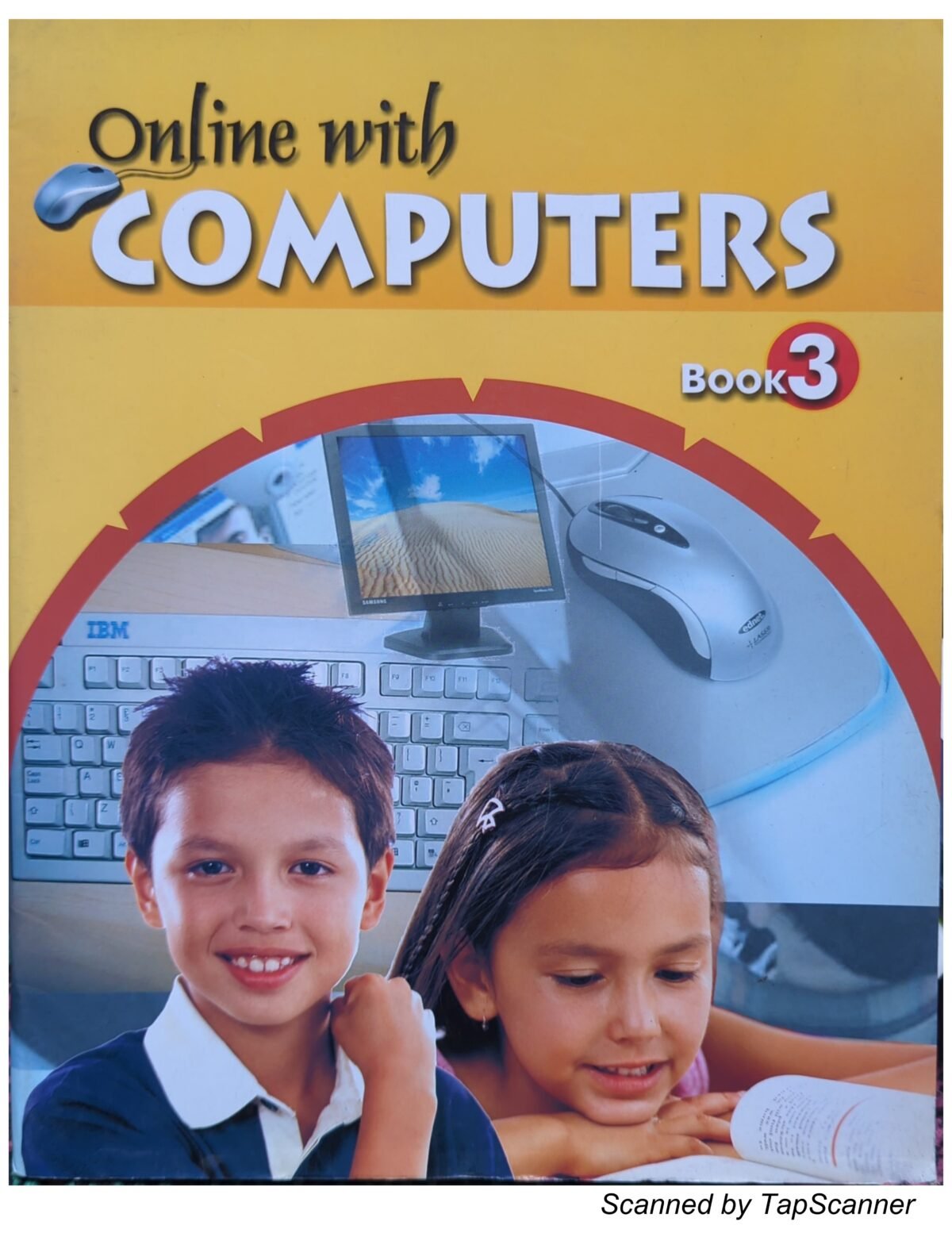

Buy Online with Computers Book 3 online – A comprehensive computer education textbook designed for primary and elementary students. This colorful, engaging book provides hands-on learning in essential computer skills, from basic operations to introductory programming with LOGO. Order your copy of Online with Computers Book 3 online today!
What’s Inside Online with Computers Book 3:
Complete 9-Chapter Curriculum:
Chapter 1: Computer Introduction (Page 1)
- Parts of computer and keyboard keys
- Mouse and keyboard usage and handling
- Proper computer handling techniques
Chapter 2: Operating the Computer (Page 13)
- Switching ON different computer parts
- Basic computer operations
- Sharing and working with others
Chapter 3: Windows and Paint (Page 20)
- Introduction to Windows operating system
- Desktop, icons, and menu navigation
- Opening screen fundamentals
Chapter 4: Drawing and Colouring in Paint (Page 32)
- Complete Paintbrush tutorial
- Title bar, menu bar, pull down menu, work area
- Toolbox, color box, status bar, options box
- Buttons, window buttons, scroll bars, and taskbar
- Using Paint tools effectively
- Saving drawings and creating new artwork
- Opening saved drawings
Chapter 5: Introduction to LOGO (Page 47)
- LOGO programming basics
- Opening screen introduction
- Foundation concepts for young programmers
Chapter 6: Primitives in LOGO (Page 54)
- Turtle graphics commands
- Command Rules: FD, BK, RT, LT
- SETH, HOME, CLEAN, CS, CT, HT, ST commands
Chapter 7: Turning Primitives in LOGO (Page 59)
- Advanced turtle movement
- Direction and angle commands
Chapter 8: Screen Primitives (Page 65)
- Screen manipulation in LOGO
- Visual output commands
Chapter 9: Printing and Maths in LOGO (Page 69)
- Printing numbers, words, and sentences
- Output box and drawing area usage
- Maths operations using PR and LABEL commands
Complete Answers Section (Page 76)
- Solutions to all exercises and activities
Course Progression – Books 1, 2 & 3:
Book 1 Covered:
- Introduction to computers, machines and non-machines
- Parts of computer and functions (Monitor, CPU, Mouse, Keyboard)
- Discipline in the classroom
- Mouse operations – Buttons, arrow, pointing, clicking
- Caring for computers
- Working with computers – Learning, writing, drawing, playing
Book 2 Covered:
- Different sizes of computers
- Manners in class
- Computer parts – Monitor, CPU, Mouse, Keyboard, Printer, Speakers
- Mouse operations – Holding, mouse pad, arrow movement, pointing, clicking, dragging
- Keyboard keys – Letter keys, Number keys, Shift key, Spacebar, Enter key, Full stop, Backspace, Special keys, Arrow keys
- Uses of Computers – Schools, Offices, Railway Stations, Shops, Banks, Home
- Working with computers – Learning, writing, drawing, coloring, playing
- Paint basics – Starting Paint, Drawing with tools (line, rectangle, oval, circle, pencil)
Book 3 (This Book):
- Advanced Windows operations
- Complete Paint mastery
- Introduction to LOGO programming
- Mathematical operations in LOGO
Key Learning Outcomes:
When you buy Online with Computers Book 3 online, students will learn:
✓ Windows Operating System – Navigate desktop, icons, menus confidently ✓ Paint Software Mastery – Create, save, and edit digital artwork ✓ LOGO Programming – Learn coding fundamentals through turtle graphics ✓ Computer Operations – Proper startup and shutdown procedures ✓ Digital Creation Skills – Draw, color, and design using computer tools ✓ Mathematical Computing – Perform calculations using LOGO commands ✓ Problem-Solving – Complete exercises with provided answer key
Why Choose Online with Computers Book 3:
📚 Structured Learning Path – Progressive curriculum building on Books 1 & 2 🎨 Colorful & Engaging – Vibrant yellow cover with appealing design 👨👩👧👦 Student-Friendly – Age-appropriate content for young learners 💻 Practical Skills – Hands-on exercises and real-world applications 📝 Complete Answer Key – Page 76 includes all solutions for self-study 🎯 Curriculum-Aligned – Follows standard primary computer education syllabus
Perfect For:
- Primary school students (typically ages 8-10)
- Elementary computer science curriculum
- Schools teaching basic computer literacy
- Parents homeschooling children in computer skills
- Computer lab instructors and IT teachers
- Students learning Windows, Paint, and LOGO
- Building foundation for advanced programming
Product Specifications:
- Product Name: Online with Computers Book 3
- Book Number: Book 3
- Subject: Computer Science / ICT
- Level: Primary / Elementary
- Cover Color: Bright Yellow/Gold
- Pages: 76+ pages (including answers)
- Chapters: 9 comprehensive chapters
- Binding: Paperback
- Content: Windows, Paint, LOGO Programming
- Language: English
- Includes: Theory, Practical Exercises, Answer Key
Topics Covered in Detail:
Windows Skills:
- Desktop navigation
- Icons and menu systems
- Opening and closing applications
Paint Skills:
- Complete interface understanding
- All drawing and coloring tools
- Saving and managing artwork
LOGO Programming:
- Turtle graphics
- Movement commands (FD, BK, RT, LT)
- Screen commands (SETH, HOME, CLEAN, CS, CT, HT, ST)
- Printing and mathematical operations
- PR and LABEL commands
Teaching & Learning Support:
The Online with Computers Book 3 is designed for both classroom instruction and self-paced learning. Each chapter includes:
- Clear explanations with step-by-step instructions
- Visual examples and illustrations
- Practice exercises
- Progressive difficulty levels
- Complete answer key for verification
Order Online with Computers Book 3 online now and give your child the gift of digital literacy! Fast delivery available. Perfect for home learning or classroom use.